For showrooms and stores
Showroom virtual tours with product hotspots
Show products where they stand, in a space customers can walk through online, with details one tap away.
What a tour changes for showrooms
Products lose context in a catalog
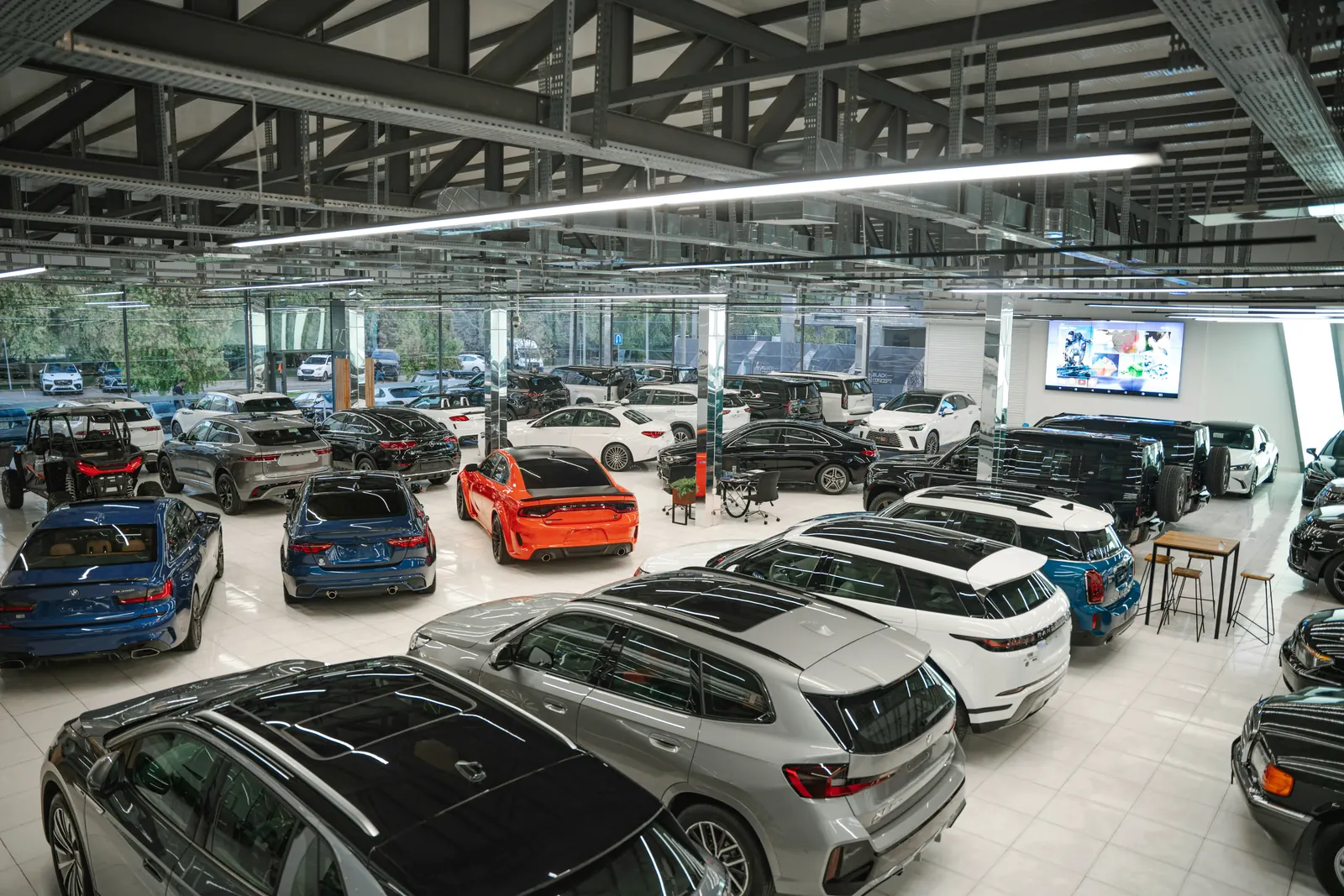
Furniture, cars or kitchens make sense in a room. A tour keeps them in their setting.
Customers arrive without knowing what you have
After a tour they come in with a shortlist, and visits are shorter and more useful.
Details get lost
Hotspots open information, galleries or links for each product, right where it stands.
How to plan a showroom tour
A showroom tour works like a catalog customers can walk through. Plan it around the products you want them to find.
Step 01
Shoot when the floor is complete
Products in place, displays lit, no boxes or half-removed labels. Customers can look in every direction, so check corners and walls as carefully as the main display.
Step 02
Place the camera between product groups
Each scene should show products together, the way they are meant to be seen. A fitted kitchen, a living room set or a row of cars makes more sense than one item at a time.
Step 03
Link every product to its details
Add hotspots that open a description, a gallery of variants or the product page on your website. Customers browse the showroom and the catalog at the same time.
Step 04
Use the tour in sales conversations
Send the link to customers who cannot come in, walk through it together on a video call and keep a QR code at the entrance for visitors who want to look again at home.
What to show in the tour
- Main floor
- Product areas
- Display rooms
- Consultation area
- Entrance
- Storefront
Recommended plan: Pro, $49 per month
Covers a showroom with several areas and includes appointment booking.
See pricingAn appointment booked from the showroom floor
Visitors press Availability in the tour, see the free times and book an appointment. Your team sees it in real time.
- Hotspots with information, galleries and links
- Appointments booked from inside the tour
- Embed the tour on your website or share a QR code in store
Questions about tours for showrooms
Can I add product details inside the tour?
Yes. Hotspots can show information, open a gallery or link to any URL, such as a product page.
Can visitors book an appointment?
Yes. Appointment booking is part of the booking system, included from the Pro plan.
Does the tour work on phones?
Yes. Tours open in the browser on phones, tablets and desktops, with no app to install.
Do I need a 360° camera?
Yes, or a photographer who has one. Any camera that exports standard 360° panoramas works with Immeroo.
Can I update the tour later?
Yes. Replace or add panoramas in the editor whenever the space changes. The embed code stays the same, so every website that shows the tour gets the new version.
Can I use the tour in video calls with customers?
Yes. Share the link during the call and walk through the showroom together, or send it afterwards so the customer can look again on their own.