For restaurants and cafés
Restaurant virtual tours guests can step into
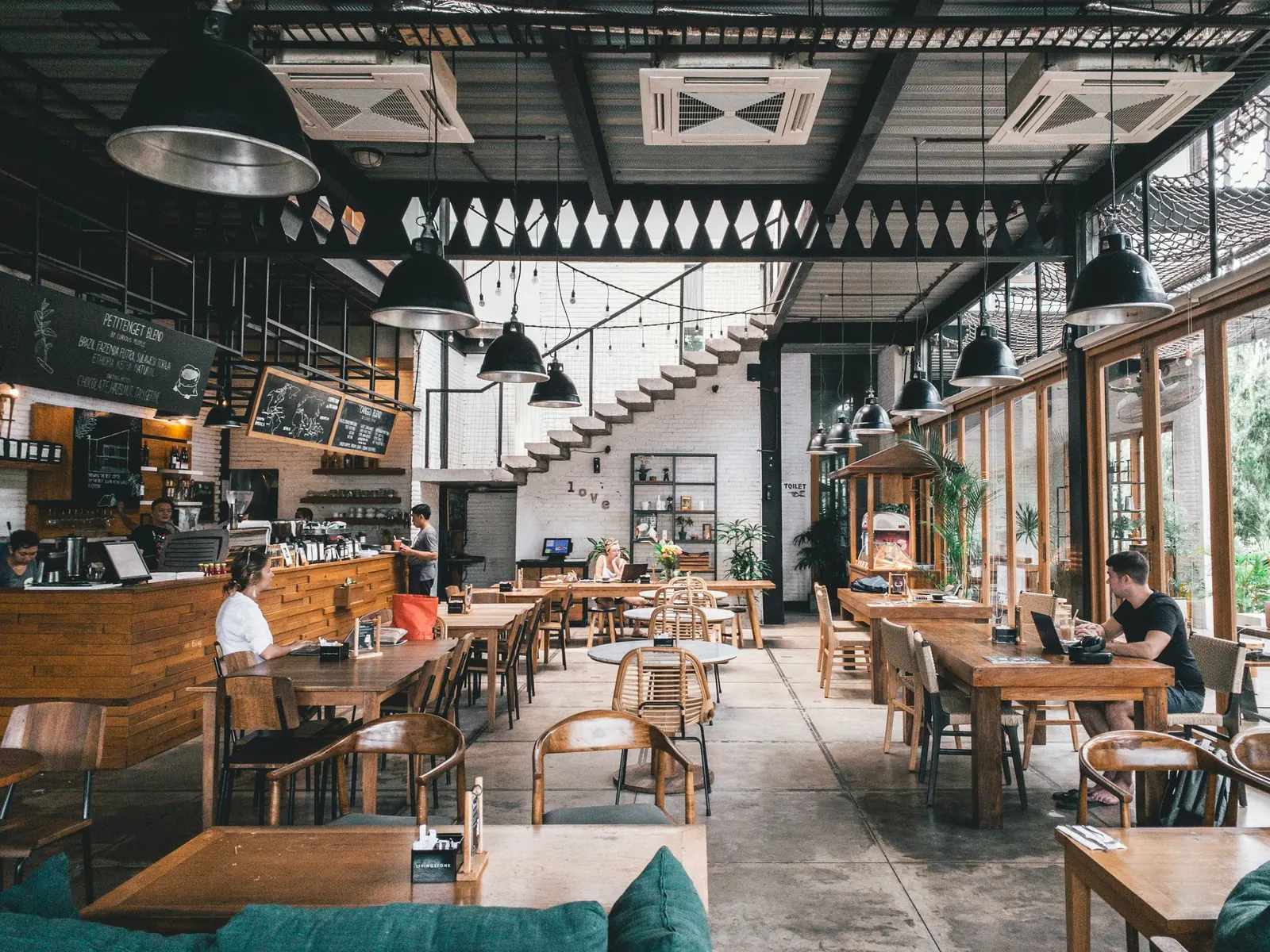
Let guests feel the atmosphere before they arrive. They look around the dining room, the terrace and the bar from their phone.
What a tour changes for restaurants
Atmosphere does not fit in a photo
A flat picture cannot show how the room feels. A 360° tour lets guests stand in it.
Guests want to choose where they sit
By the window, on the terrace or near the bar: the tour shows the options before they book.
Phone reservations interrupt service
Reservations made from the tour arrive in one place, so the phone rings less during busy hours.
How to plan a restaurant virtual tour
Restaurant tours work best short. A handful of well-chosen scenes covers most venues, as long as each one shows a different reason to come.
Step 01
Shoot when the room looks ready
Tables set and lights on, before guests arrive. A prepared room looks inviting; a half-full one puts strangers in your tour and makes it look dated quickly.
Step 02
Give each seating area a scene
Window tables, the terrace, the bar and a private room are different experiences. Guests planning a birthday or a business lunch look for the area that fits, so name each scene the way your staff would describe it.
Step 03
Show the space for events
If you host private events, add a scene of the room set up for one, with info hotspots for capacity and contact details. Event planners can check the space before they call you.
Step 04
Share it where guests look for you
Embed the tour on your website, add the link to your social profiles and print the QR code on menus, flyers and the window. With the booking add-on, table reservations open from inside the tour.
What to show in the tour
- Dining room
- Terrace
- Bar
- Private rooms
- Entrance
- Event setup
Recommended plan: Pro, $49 per month
Covers a restaurant with several areas and includes the booking system.
See pricingA table reserved from inside the restaurant
Guests press Availability in the tour, see the free dates and times and reserve the table. Your team sees the reservation in real time.
- Table booking opens inside the tour
- Print the tour QR code on menus and flyers
- No commission per reservation
Questions about tours for restaurants
Can guests reserve a table from the tour?
Yes. Table booking is part of the booking system, included from the Pro plan.
Do you charge a fee per reservation?
No. Immeroo is a flat monthly subscription with no commission on bookings.
Does the tour work on phones?
Yes. Tours open in the browser on phones, tablets and desktops, with no app to install.
Do I need a 360° camera?
Yes, or a photographer who has one. Any camera that exports standard 360° panoramas works with Immeroo.
Can I show my menu in the tour?
Yes. An info hotspot can link to your menu page or open photos of the menu in a gallery.
Is a tour useful for event venues?
Yes. Show the room set up for an event and add hotspots with capacity, layouts and contact details, so organizers can shortlist the venue before a site visit.